

Mentoring Q&A | 01
- How to approach UX/UI
- Practicality: ♥ ♥ ♥ • •
- Theoretical: ♥ ♥ ♥ • •
In this series of blog articles I’ll be discussing question that I’m asked during my mentoring sessions. I’m super thankful and fortunate that I’m part of an industry that bring myself and millions of other joy across the globe. I love the open and collaborative nature of this community, which is why I try to give as much back to the community as I can.
How to approach UX/UI in games?
When people talk about UX (User Experience) and UI (User Interface) in games, they often treat them as separate from game design. When creating a game everything is game design and everything is UX as for me these are interchangeable in relationship to games. Both should have the player’s experience central to their thoughts and outcomes.
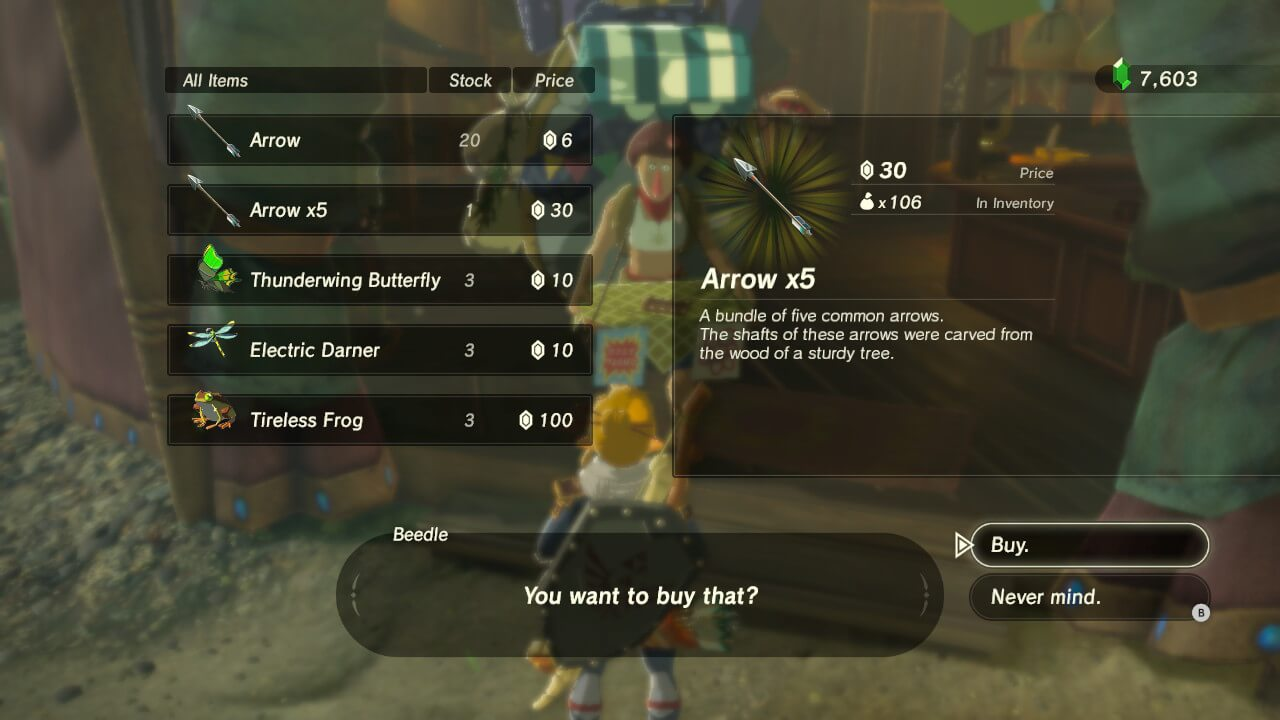
When talking about UI, I get that many people would see a clear distinction between the interface and the in game world. But the UI is as connected to the game experience as a game controller is. It acts as a guide, a helper or supporting system that floats somewhere between the game world and the player’s reality.
A lot of the time, when thinking about how to approach user interface design, it is there to solve a problem. User interfaces, like settings menus or HUDs (heads up displays) are a necessity rather than part of the “desired experience” and often that’s how they are treated by the game developers, as a necessary thing that’s more in the way than anything else.
But a player will always experience them as part of the total experience as there is no other way about it. It’s like reading the menu and ordering food in a restaurant, you don’t necessarily go to a restaurant to read its menu, but it is a necessary step in the experience of going to a restaurant. Great restaurants understand that putting great effort in their menus in terms of visuals and layout, will help their customer to have the best experience and so too will great user interfaces add to the total experience of the game.

But next to adding to the total experience, they usually also enable the player to play the game. A heads up display can provide crucial information that helps the player in a way that makes the experience enjoyable. Think about how an energy gauge in a fighting game provides crucial information about the status of the fight, or how a mini-map provides information about a battlefield in a strategy game, or how a running stopwatch gives a player a great sense on how they’re doing on a race track. It’s through the lens of functionality that the design of UI takes its place in the total experience. User interface design always has to do with an order of importance and then applies common sense, human psychology and behavioral design as well as visual design principles to fulfill its function.
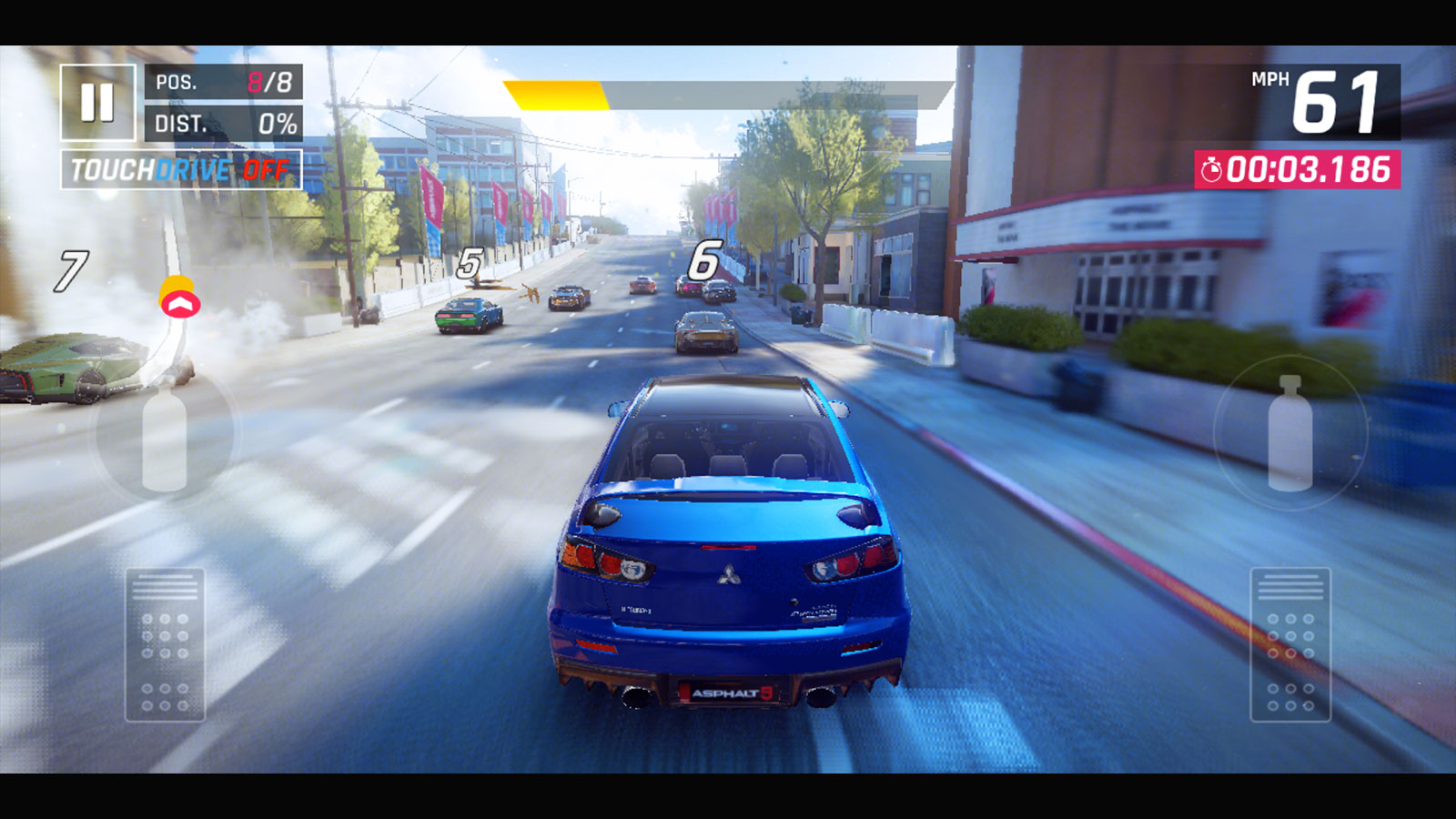
My approach is to look both at the total user experience AND the function it needs to fulfill. Is there a way to integrate the function into the experience? This would always be my preferred option if it doesn’t hurt its function. If its function is important but cannot comfortably be integrated, but it can become part of the game’s HUD for example, how necessary is its function with regards to the other elements in the game and the other HUD elements? The importance of the function and the attention it needs to receive determine how it looks, how much space it can occupy, how much visibility it may receive, if it needs to animated or dynamically respond to the game’s situation, and so forth.
What makes UI in games challenging is the always changing context. Different parts of the game require different things from the player and can drastically change the order of importance of the UI elements. One solution common in more complex games is to create context sensitive UI elements that are available “when needed” and hide themselves otherwise. But whatever the case and whatever the game, UI is part of the game experience.

 Tj'ièn